Make a Rezzy is a booking platform built for restaurants. This short guide explains what is in the help centre and where to head next.
Your guests reserve a table through your website widget, your Explore listing, or by ringing the restaurant — and every booking lands in one place. From there your team can see the diary, change tables, take notes on regulars, and keep on top of cancellations and no-shows.
What is in this help centre
Each section covers a part of the product:
- Bookings — how bookings flow in, how to edit them, and how to handle cancellations and deposits.
- Calendar — the day-to-day diary your team works from.
- Availability — opening hours, services, and closed days.
- Floor plans — laying out your tables and linking them to services.
- Guests — keeping track of regulars, VIPs, and dietary notes.
- Website widget — adding the booking widget to your own site.
- Integrations — connecting to other tools, including Spektrix.
Pick a topic on the left, or carry on to Taking your first booking for an end-to-end walkthrough.
Where to find Make a Rezzy
Day-to-day, your team will use one of two apps:
- On a computer — sign in at manage.makearezzy.com.
- On a phone or tablet — the Make a Rezzy app is available on the Apple App Store and Google Play.
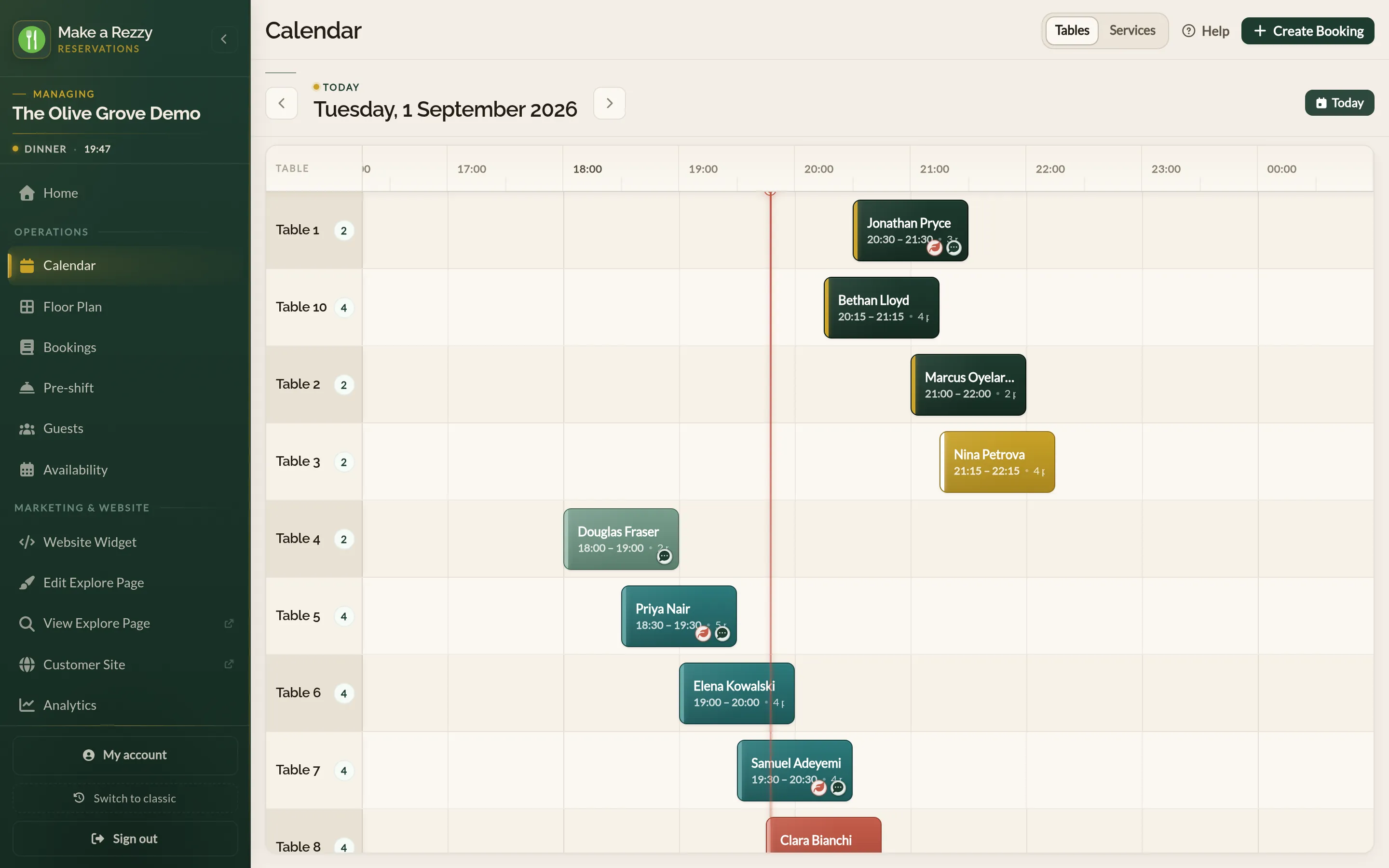
Hosts on the floor tend to live in the mobile app. Managers handling settings, analytics, and floor-plan changes tend to stay on the web.
See also: Every feature in Make a Rezzy